Testing a Native Computer Vision App with YOLO and SwiftUI
Testing a Native Computer Vision App with YOLO and SwiftUI
So in the old days of computer vision, you know, like 5 years ago, we used to stream frames of a video to a web service to process and detect images and return labels with bounding boxes.
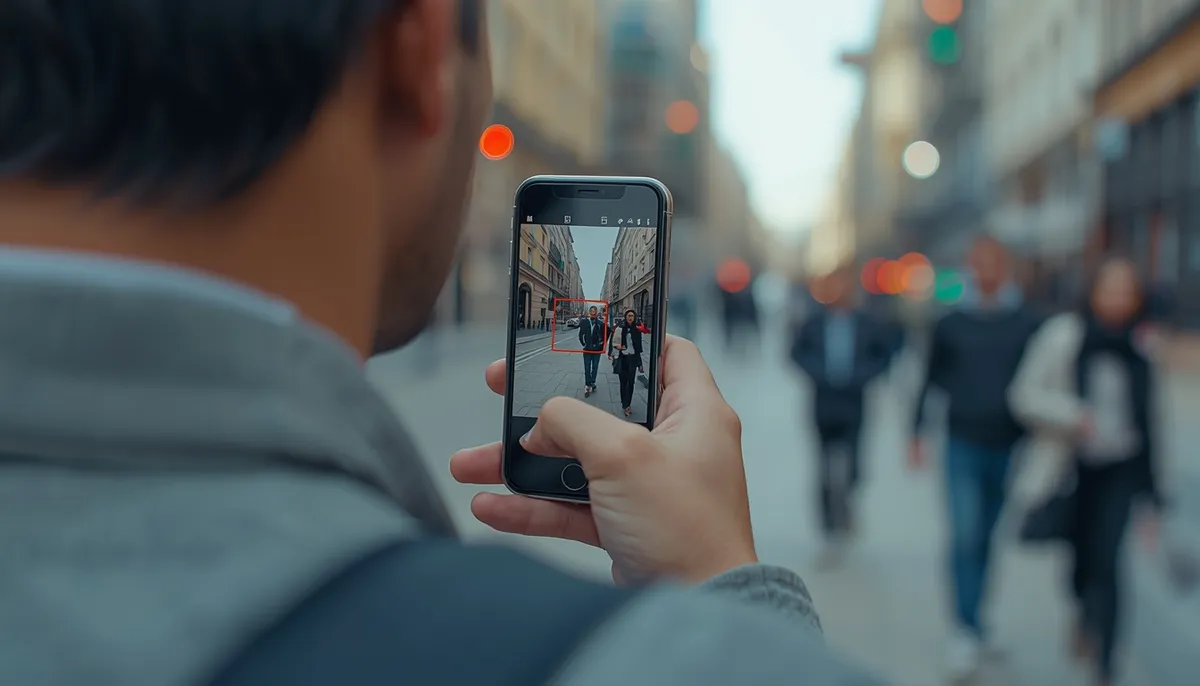
Now-a-days, much of these can be processed on device. Here is an example of a SwiftUI app, running inference on device and attempting to identify objects in real-time.
This is an extremely simple example that only took me only 30 minutes to create which speaks volumes as to how far we have come with technology in such a short time.
Performance Optimizations
Currently this warms up on phone a bit and uses a lot of processing and memory. Two ways to make this play well with the phone’s CPU and memory is to:
- Use a smaller model (depending on the kinds of objects you want to detect)
- Process the object detection ever 5 frames instead of 30 or 60 frames a second
In this example, I am processing the object detection every 5 frames which is much better on the CPU and thus battery of the phone.
Next Steps
If I have time, I would like to create an example of tracking objects. This is somewhat difficult as if the camera moves around, you don’t want to duplicate the counting of the same objects.
How would you do it?
I am thinking about implementing ARKit to give a spacial dimension so that objects in the same location are duplicated, but this won’t help for moving objects. At Radius, we create feature vectors for each object (ie a person), and if that person is detected again, we don’t duplicate count. Imagine a person walking out of camera 1’s view and into camera 2’s view for example. Not sure how far I will take this but I am really enjoying working on this type of stuff.

Jeff Kershner
Engineering Leader & Lifelong Coder | Co-Founded AI Startup Deployed in 1,200+ Retail Locations